


Remote work emerged as a necessity, but over time, we discovered that it offers employees significant freedom and allows companies to save substantial resources (electricity and other essential services that an office would typically provide).
However, remote work also presents its own challenges. Data protection online is easier to ensure in a controlled work environment with robust cybersecurity measures. Still, when employees work from home, on their own networks and with their own equipment, the situation becomes more complex.
But don’t let this deter you from offering remote work. By following cybersecurity best practices, you can ensure your company’s data is safe while your employees enjoy the flexibility of working from home or any other convenient location.
Wait, So What’s the Problem with Working from Home?
The problem isn’t with working from home itself; it’s that remote work involves using unsecured networks. Naturally, these Wi-Fi and wired connections, primarily used for personal purposes, lack the security protocols of an office network.
Furthermore, the distinction between “work equipment” and “personal equipment” has become blurred. Employees often use the same laptop for both purposes, increasing the risk of unauthorised access to corporate data or malware infection.
Remote Workers: Cybersecurity Essentials
Your internal IT team can assist you with the setup, or you can contact cybersecurity service providers. Whichever option you choose, the following security measures will help protect your data online and ensure the safety of your confidential information.
Set up 2FA
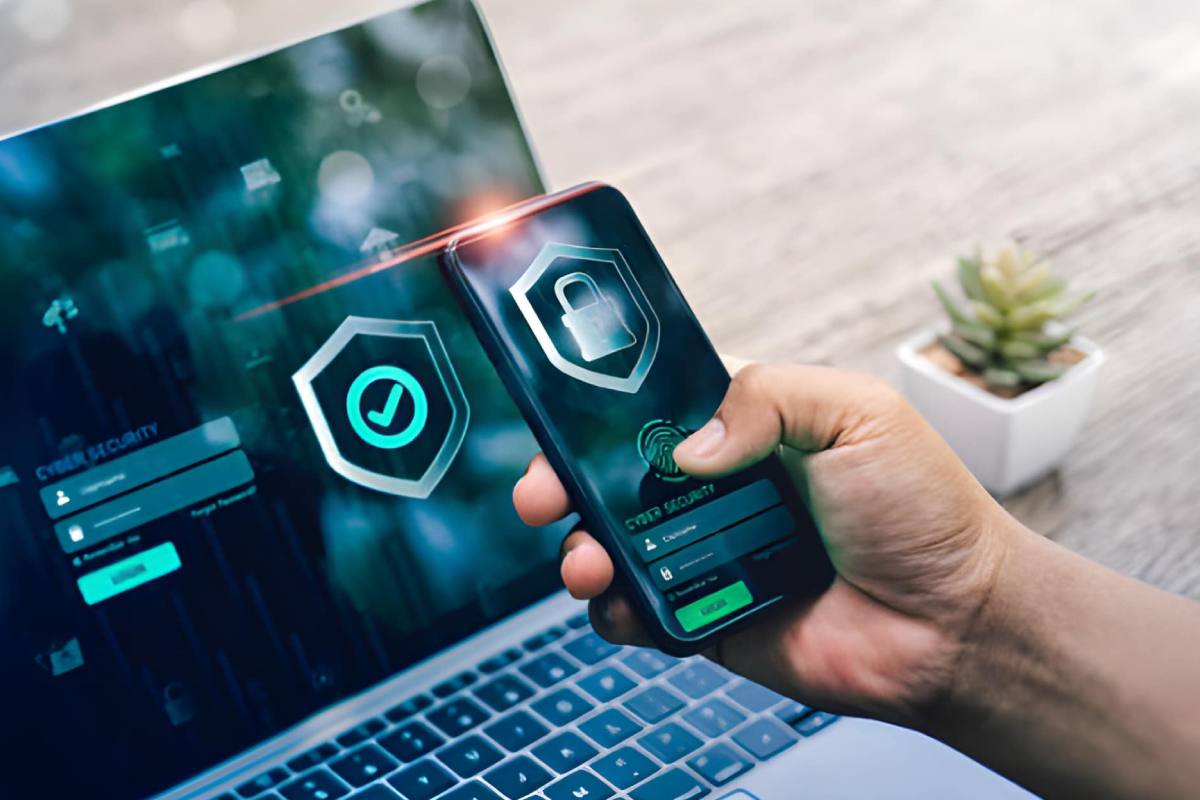
One of the fastest and most effective ways to protect data is to implement two-factor verification. This improves an additional layer of security that cannot be bypassed by brute-force, keylogger, or dictionary attacks, or by other methods. Even if login credentials are compromised, two-factor authentication will prevent any unauthorised access.
Use a VPN
VPNs, or virtual private networks, make a secure channel for encrypting data between devices and services. This allows isolated employees to securely access company servers (where all the data is stored). VPNs address security concerns in both public and private networks.
Remote Access Solutions
To enhance security, IT teams can configure remote access via VPNs, Remote Desktop Protocol (RDP) gateways, and Virtual Desktop Infrastructure (VDI). Simply put, an employee, such as Jack, can access their work computer from home without risking confidential data leaving the corporate network.
RDP is crucial for cybersecurity because it provides a secure and controlled tunnel for accessing office systems. Instead of directly accessing files or applications, everything remains within the corporate environment, controlled and protected by security measures such as multi-factor authentication (MFA) and firewall rules. This reduces risks, limits the attack surface, and ensures that sensitive data never leaves the company’s control.
Adopt a Zero Trust Access Model
The “zero trust” model, as its name suggests, is based on the premise that no one or anything is inherently trustworthy. Every access demand must be authenticated and authorised before it is processed. Zero trust requires robust identity verification, device state verification, the principle of least privilege, and policy-based decision-making for every request, making it ideal for mixed fleets of laptops, tablets, and phones used outside the office.
Maintain Ongoing Security Awareness Training
Technology is constantly evolving, and relying solely on the IT team to control the entire process simultaneously is not only impossible but also unrealistic. Furthermore, remote employees often lack direct contact with the IT team.
Therefore, it is strongly recommended to provide them with regular training whenever possible. Phishing attacks, data breaches, malware, and other threats pose a serious problem, and employees must be aware of them. The most valuable asset in a company’s cybersecurity is proactive employees.
Encourage good habits, discourage bad ones, and create a system that simplifies reporting problems. Regular training is essential because, as threats evolve, so too must your knowledge base.
Build Better Habits, Gently
Think of security as a part of your daily life. Like your morning coffee, for example. Or like closing your laptop before dinner.
Here’s what works:
- Check for updates every few days.
- Log out of all unnecessary accounts.
- Use password managers to create strong passwords.
- Report anything suspicious to your IT team immediately.
Do it gradually, not all at once. And share tips. Have a coffee, talk about passwords in a friendly atmosphere. Make it the norm. Make it part of the culture.
Conclusion
Working remotely using smart devices is excellent. It offers flexibility and opportunities for creativity. But it also requires adherence to cybersecurity rules. From two-factor authentication to secure Wi-Fi connections, from backups and cloud storage to phishing attack detection – simple steps matter. They protect your work, your peace of mind, and your digital world. And they ensure the smooth operation of your smart devices.